

CONFERENCE APP
APP SPONSORED BY:

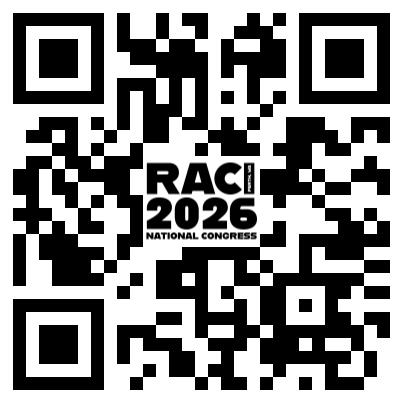
How to access:
To download the Conference App onto your smart phone or tablet devices follow these instructions:
Scan QR code or click this link: RACI 2026 Currinda App
Once you have downloaded the app, select Currinda V1, then you will be promoted to log in.
First you must click on the ‘Client’ box and search for ‘ASN’
Select ‘ASN’ from the list provided below and then you can log in with your email address and password you used to register for the conference (the email this email has been sent to)
TIPS & TRICKS
Finding Your Way Around
Use the venue maps and floorplans (where available) to locate session rooms, exhibition booths and catering areas.
Exhibitors & Sponsors
Browse the Exhibitors and Sponsors sections to learn more about participating organisations and locate them within the exhibition.
Connect with Delegates
If you or another delegate has opted in to share details or connect on the app you can do this through the delegate list.
If they have an envelope icon you can email them direct.
Need Help?
If the app isn't displaying the latest information, close and reopen it while connected to the internet.
If you're still experiencing issues, visit the Registration Desk for assistance.
Logging In
Log in using the email address you registered with for the conference.
If prompted, enter the event code provided by the organisers.
Updating Content
The app regularly downloads new information, but we recommend opening the app while connected to Wi-Fi before arriving each day to ensure you have the latest program and announcements.
Creating Your Personal Schedule
Tap the heart next to any session to add it to Favourites.
Your personalised schedule can be viewed at any time from the menu.
Viewing Session Information
Tap on any session to view the full description, speaker information, time and location.
Any handouts or additional resources (where available) can also be accessed from the session page.
Searching the Program
Use the search function to quickly find sessions, speakers or exhibitors by name or keyword.